KSuite V2.37 is newly tested working fine on the available KESS V2 / KTAG ECU Programmer clone. Below parts will include KSuite V2.37 workable interfaces, test report on vehicles / protocols/ functions/ special BMW MED17/MEV17 ECUs and installation guide.
Here we go one by one.
Part I. KSuite V2.37 workable interfaces
SE87 Kess V2 V3.099, SE87-E Kess V2V3.099; SE87-C Kess V2 V4.036; Kess V2 V4.024 truck version; KessV2 V4.026 truck version;
Part II. KSuite V2.37 test report:
1) Cars…OK, Motocycle …OK, Truck…OK
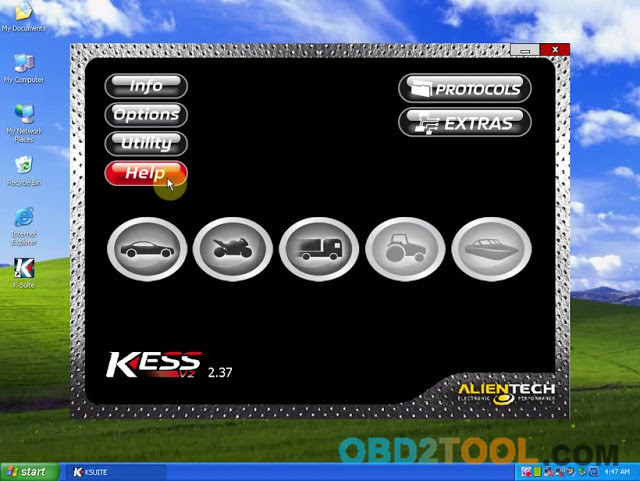
2) Compatible Protocols: Kline…OK, CAN…OK
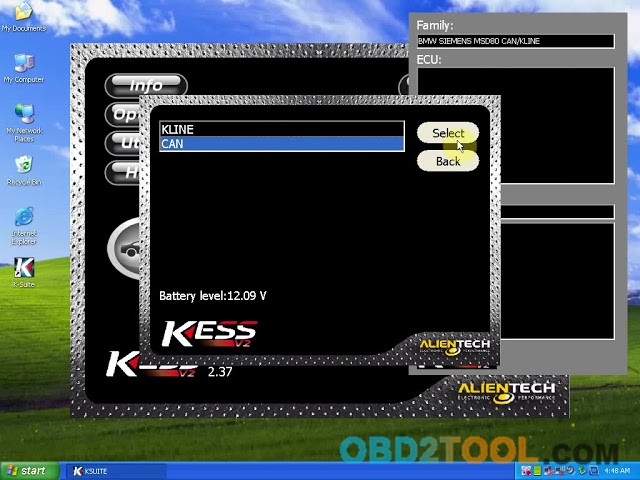
3) KSuite V2.37 performances:
Reading ECU…OK
Writing ECU…OK
Recording…OK
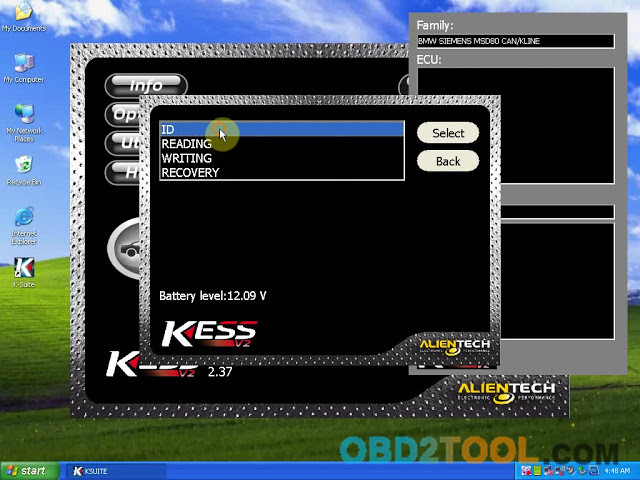
4) BMW MED17/MEV17 ECUs works.
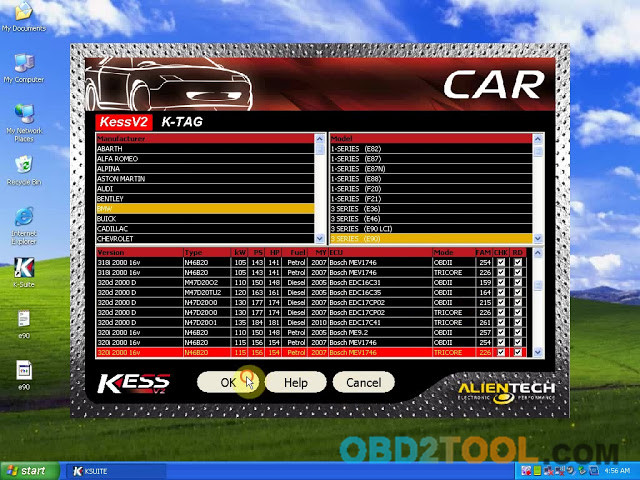
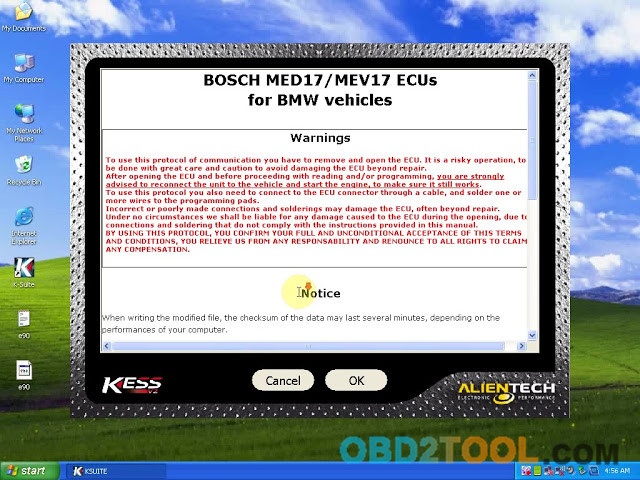
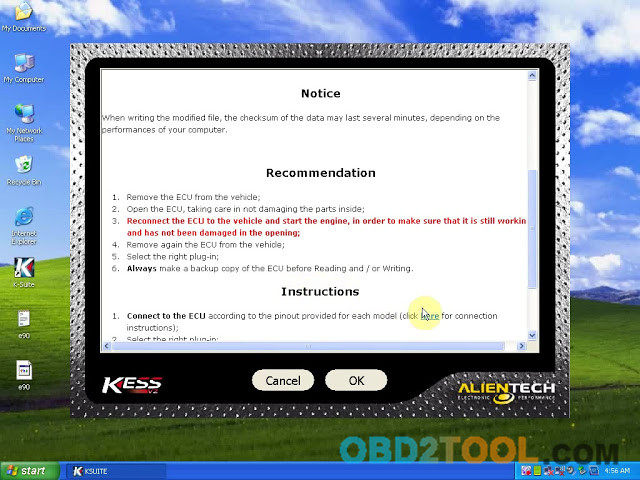
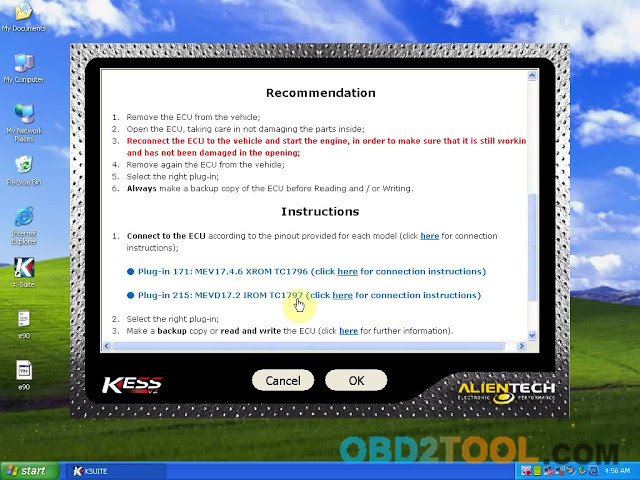
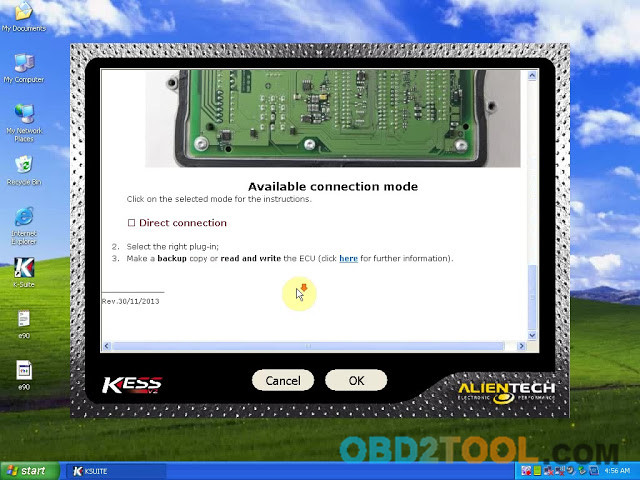
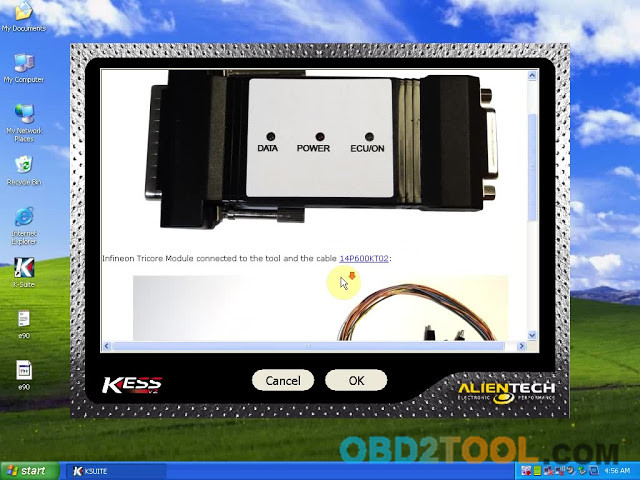
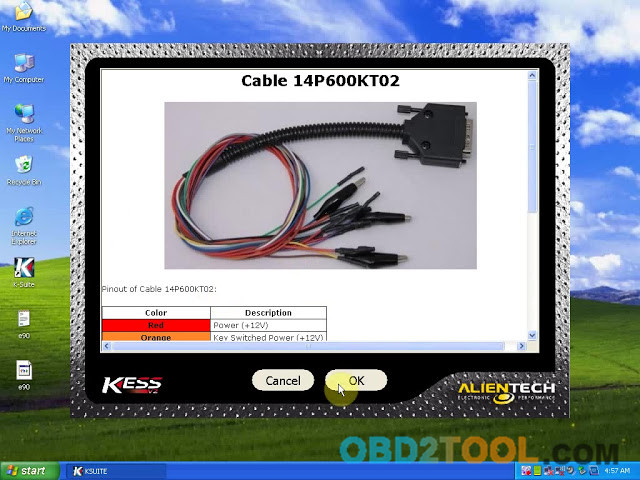
As you can see, it is very easy to use KSuite V2.37 since it is built in “pop-up” instructions.
Part III: KSuite V2.37 install steps and tips:
Auto ECU Programmer KSuite V2.37 language: English/ German/ Spanish/ Italian/ Portuguese/ French
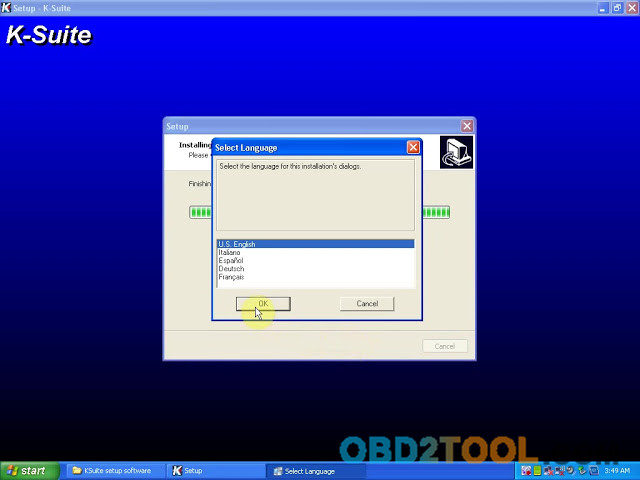
Main step 1. Click “Setup 2.37” to install ksuite driver.
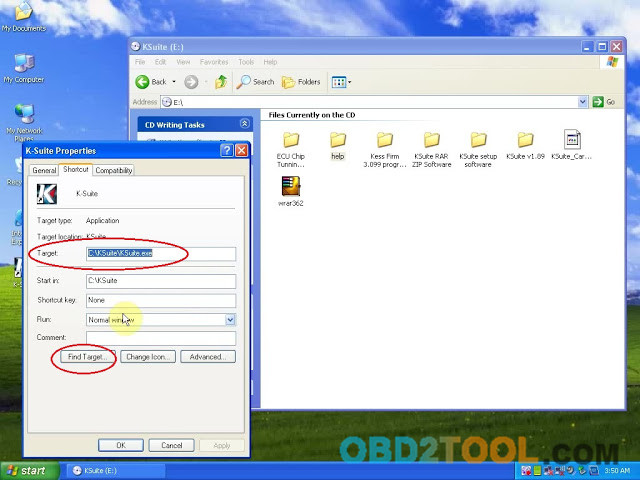
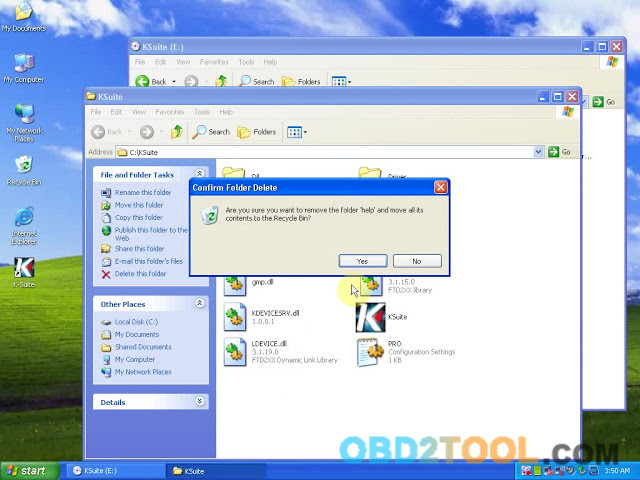
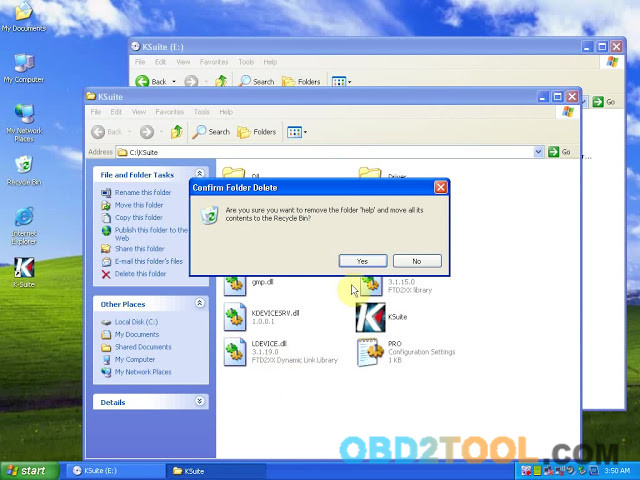
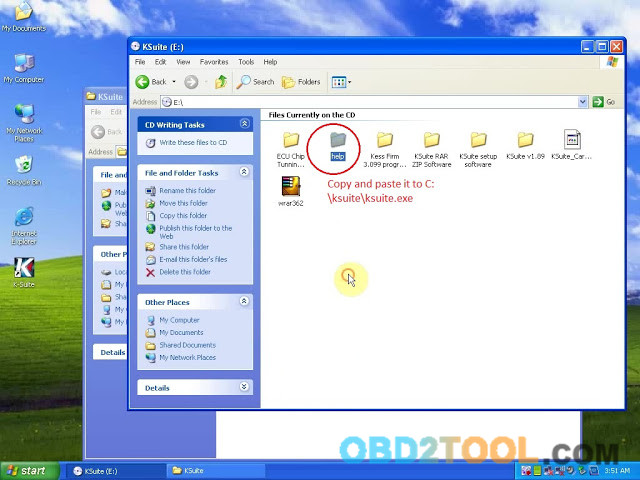
Main step 2. Back to the desktop, right click icon “Ksuite”, then “Properties”, then “Find target”, delete folder ” Help”, then back to Ksuite V2.37 folder and copy folder “Help” and paste it to C:\ksuite\ksuite.exe
Main step 3. Plug Kess V2 master / Ktag master interface to the computer.
If you install Ksuite V2.37 on a XP computer, you will get a dialog “Found new hardware.”
You see, it is very easy to install Ksuite V2.37, here one more video demo:
That’s all.
Good luck!